Neovim Setup in 2026: A Modern Configuration Guide
Neovim Setup in 2026: A Modern Configuration Guide
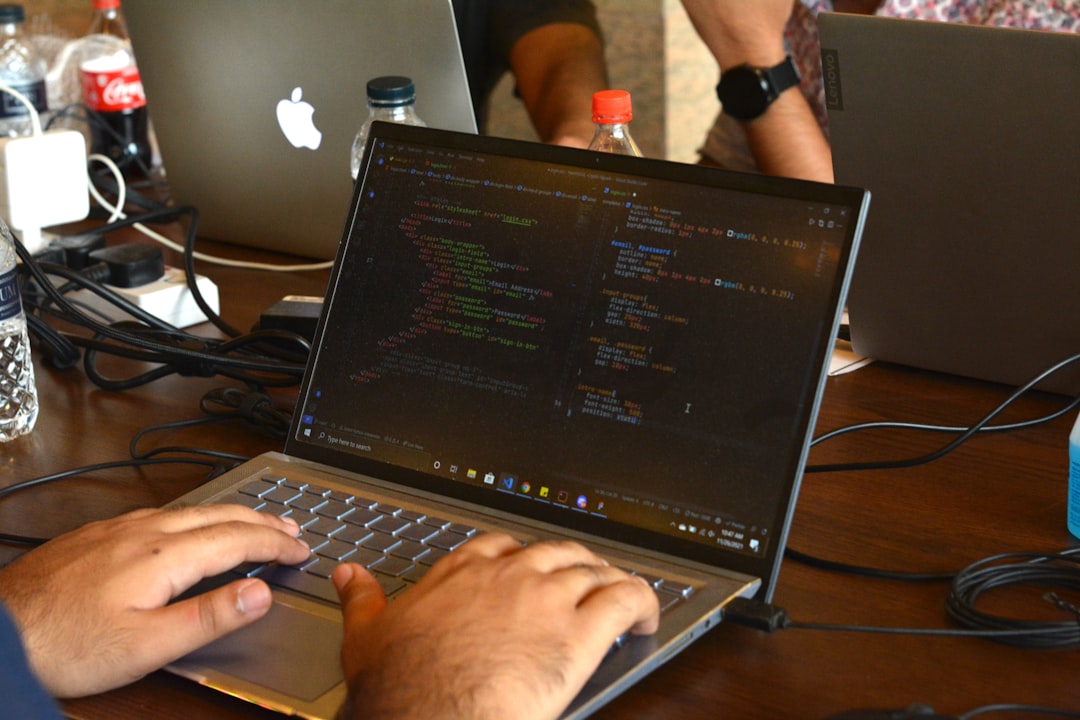
Photo by Fahim Muntashir on Unsplash
Neovim in 2026 is a different beast from the Vim of a decade ago. Native LSP support, Treesitter-based syntax highlighting, and a rich Lua plugin ecosystem make it a genuinely competitive IDE -- if you're willing to invest the setup time.

This guide walks through building a practical Neovim configuration from scratch, using current best practices. No cargo-culting 500-line configs you don't understand.
Why Neovim Over Vim
If you're still on classic Vim, here's what Neovim adds: built-in LSP client, Treesitter integration for better syntax highlighting and code navigation, Lua as a first-class configuration language (faster than Vimscript), async job control, and a healthy plugin ecosystem built on these foundations.
The migration path is straightforward. Neovim reads ~/.config/nvim/init.lua (or init.vim for backward compatibility). Most Vim plugins work in Neovim unchanged.
Config Structure
Organize your configuration in ~/.config/nvim/:
nvim/
├── init.lua              # Entry point
├── lua/
│   ├── config/
│   │   ├── lazy.lua      # Plugin manager bootstrap
│   │   ├── options.lua   # Vim options
│   │   ├── keymaps.lua   # Key mappings
│   │   └── autocmds.lua  # Autocommands
│   └── plugins/
│       ├── lsp.lua       # LSP configuration
│       ├── treesitter.lua
│       ├── telescope.lua
│       ├── git.lua
│       ├── ui.lua        # Theme, statusline, etc.
│       └── editor.lua    # General editor plugins
Your init.lua stays clean:
-- init.lua
require("config.options")
require("config.lazy")
require("config.keymaps")
require("config.autocmds")
Plugin Manager: lazy.nvim
lazy.nvim is the standard plugin manager in 2026. It replaced packer.nvim with better lazy-loading, a visual UI, lockfile support, and automatic compilation.
-- lua/config/lazy.lua
local lazypath = vim.fn.stdpath("data") .. "/lazy/lazy.nvim"
if not vim.loop.fs_stat(lazypath) then
  vim.fn.system({
    "git", "clone", "--filter=blob:none",
    "https://github.com/folke/lazy.nvim.git",
    "--branch=stable", lazypath,
  })
end
vim.opt.rtp:prepend(lazypath)

require("lazy").setup("plugins", {
  defaults = { lazy = true },
  install = { colorscheme = { "catppuccin" } },
  checker = { enabled = true, notify = false },
  performance = {
    rtp = {
      disabled_plugins = {
        "gzip", "matchit", "matchparen",
        "netrwPlugin", "tarPlugin", "tohtml",
        "tutor", "zipPlugin",
      },
    },
  },
})
Each file in lua/plugins/ returns a table of plugin specs. lazy.nvim automatically loads them all.
Want more editors guides? Get guides like this in your inbox — DevTools Guide delivers one free deep-dive every week.
Core Setup: Options and Keymaps
-- lua/config/options.lua
local opt = vim.opt

opt.number = true
opt.relativenumber = true
opt.signcolumn = "yes"
opt.cursorline = true
opt.scrolloff = 8
opt.sidescrolloff = 8

opt.tabstop = 2
opt.shiftwidth = 2
opt.expandtab = true
opt.smartindent = true

opt.ignorecase = true
opt.smartcase = true
opt.hlsearch = false
opt.incsearch = true

opt.splitright = true
opt.splitbelow = true
opt.termguicolors = true
opt.undofile = true
opt.updatetime = 250
opt.timeoutlen = 300

opt.clipboard = "unnamedplus"

vim.g.mapleader = " "
vim.g.maplocalleader = " "
-- lua/config/keymaps.lua
local map = vim.keymap.set

-- Better window navigation
map("n", "<C-h>", "<C-w>h", { desc = "Go to left window" })
map("n", "<C-j>", "<C-w>j", { desc = "Go to lower window" })
map("n", "<C-k>", "<C-w>k", { desc = "Go to upper window" })
map("n", "<C-l>", "<C-w>l", { desc = "Go to right window" })

-- Move lines
map("v", "J", ":m '>+1<CR>gv=gv", { desc = "Move line down" })
map("v", "K", ":m '<-2<CR>gv=gv", { desc = "Move line up" })

-- Keep cursor centered when scrolling
map("n", "<C-d>", "<C-d>zz")
map("n", "<C-u>", "<C-u>zz")

-- Clear search
map("n", "<Esc>", "<cmd>nohlsearch<CR>")
The Essential Plugins
LSP (Language Server Protocol)
LSP gives you autocomplete, go-to-definition, hover docs, rename, and diagnostics for every language with a language server.
-- lua/plugins/lsp.lua
return {
  {
    "neovim/nvim-lspconfig",
    event = { "BufReadPre", "BufNewFile" },
    dependencies = {
      "mason.nvim",
      "williamboman/mason-lspconfig.nvim",
      "hrsh7th/cmp-nvim-lsp",
    },
    config = function()
      local lspconfig = require("lspconfig")
      local capabilities = require("cmp_nvim_lsp").default_capabilities()

      -- TypeScript
      lspconfig.ts_ls.setup({ capabilities = capabilities })
      -- Rust
      lspconfig.rust_analyzer.setup({ capabilities = capabilities })
      -- Python
      lspconfig.pyright.setup({ capabilities = capabilities })
      -- Go
      lspconfig.gopls.setup({ capabilities = capabilities })
      -- Lua (for Neovim config)
      lspconfig.lua_ls.setup({
        capabilities = capabilities,
        settings = {
          Lua = {
            workspace = { checkThirdParty = false },
            telemetry = { enable = false },
          },
        },
      })

      -- LSP keybindings (set on attach)
      vim.api.nvim_create_autocmd("LspAttach", {
        callback = function(event)
          local opts = { buffer = event.buf }
          map("n", "gd", vim.lsp.buf.definition, opts)
          map("n", "gr", vim.lsp.buf.references, opts)
          map("n", "K", vim.lsp.buf.hover, opts)
          map("n", "<leader>rn", vim.lsp.buf.rename, opts)
          map("n", "<leader>ca", vim.lsp.buf.code_action, opts)
        end,
      })
    end,
  },
  {
    "williamboman/mason.nvim",
    cmd = "Mason",
    config = true,
  },
}
Treesitter
Treesitter provides structural syntax highlighting (not regex-based), better code folding, and powers features like incremental selection.
-- lua/plugins/treesitter.lua
return {
  {
    "nvim-treesitter/nvim-treesitter",
    build = ":TSUpdate",
    event = { "BufReadPost", "BufNewFile" },
    config = function()
      require("nvim-treesitter.configs").setup({
        ensure_installed = {
          "typescript", "tsx", "javascript", "rust", "python",
          "go", "lua", "json", "yaml", "toml", "html", "css",
          "bash", "markdown", "markdown_inline", "dockerfile",
        },
        highlight = { enable = true },
        indent = { enable = true },
        incremental_selection = {
          enable = true,
          keymaps = {
            init_selection = "<C-space>",
            node_incremental = "<C-space>",
            scope_incremental = false,
            node_decremental = "<bs>",
          },
        },
      })
    end,
  },
}
Telescope
Telescope is the fuzzy finder for files, grep results, LSP symbols, and anything else you need to search.
-- lua/plugins/telescope.lua
return {
  {
    "nvim-telescope/telescope.nvim",
    cmd = "Telescope",
    dependencies = {
      "nvim-lua/plenary.nvim",
      { "nvim-telescope/telescope-fzf-native.nvim", build = "make" },
    },
    keys = {
      { "<leader>ff", "<cmd>Telescope find_files<cr>", desc = "Find files" },
      { "<leader>fg", "<cmd>Telescope live_grep<cr>", desc = "Grep" },
      { "<leader>fb", "<cmd>Telescope buffers<cr>", desc = "Buffers" },
      { "<leader>fh", "<cmd>Telescope help_tags<cr>", desc = "Help" },
      { "<leader>fr", "<cmd>Telescope oldfiles<cr>", desc = "Recent files" },
      { "<leader>fs", "<cmd>Telescope lsp_document_symbols<cr>", desc = "Symbols" },
    },
    config = function()
      require("telescope").setup({
        defaults = {
          file_ignore_patterns = { "node_modules", ".git/" },
        },
      })
      require("telescope").load_extension("fzf")
    end,
  },
}
Other Key Plugins
-- lua/plugins/editor.lua
return {
  -- which-key shows available keybindings
  { "folke/which-key.nvim", event = "VeryLazy", config = true },
  -- Git signs in the gutter
  { "lewis6991/gitsigns.nvim", event = "BufReadPre", config = true },
  -- mini.nvim collection (surround, comment, pairs, etc.)
  {
    "echasnovski/mini.nvim",
    event = "VeryLazy",
    config = function()
      require("mini.surround").setup()
      require("mini.comment").setup()
      require("mini.pairs").setup()
      require("mini.statusline").setup()
    end,
  },
  -- File explorer
  {
    "nvim-neo-tree/neo-tree.nvim",
    keys = { { "<leader>e", "<cmd>Neotree toggle<cr>", desc = "Explorer" } },
    dependencies = { "nvim-lua/plenary.nvim", "MunifTanjim/nui.nvim" },
    config = true,
  },
}
Neovim vs VS Code
This is not an either/or question. Both tools have clear strengths.
Use Neovim when: You work primarily in the terminal, value keyboard-driven workflows, work over SSH, want deep customization, or edit config files and scripts frequently. Neovim is also lighter on system resources.
Use VS Code when: You need tight debugging integration (breakpoints, variable inspection), work on large multi-language projects where LSP setup is complex, collaborate with teammates who use VS Code (shared settings/extensions), or need rich GUI features like inline image previews and notebook support.
The hybrid approach: Many developers use both. VS Code for debugging and large project exploration. Neovim (with the VS Code Neovim extension or standalone) for fast editing, git operations, and terminal workflows.
Starter Configs vs Rolling Your Own
If building from scratch feels overwhelming, consider starting with a pre-built config:
- LazyVim (by the lazy.nvim author): Opinionated, well-maintained, easy to extend
- kickstart.nvim: A minimal single-file starting point meant to be forked and customized
Both are good learning tools. Read through their code, understand what each piece does, then gradually make it yours. The worst approach is copying a 2000-line config you don't understand -- you'll never be able to debug it.
The Bottom Line
A modern Neovim setup in 2026 needs lazy.nvim, LSP via nvim-lspconfig + mason, Treesitter for syntax, and Telescope for fuzzy finding. Add which-key so you can actually discover your own keybindings, gitsigns for git context, and mini.nvim for a collection of small, focused utilities. That's a complete, fast, maintainable editor setup in about 300 lines of Lua.