Cross-Platform Mobile Development Tools
Cross-Platform Mobile Development Tools
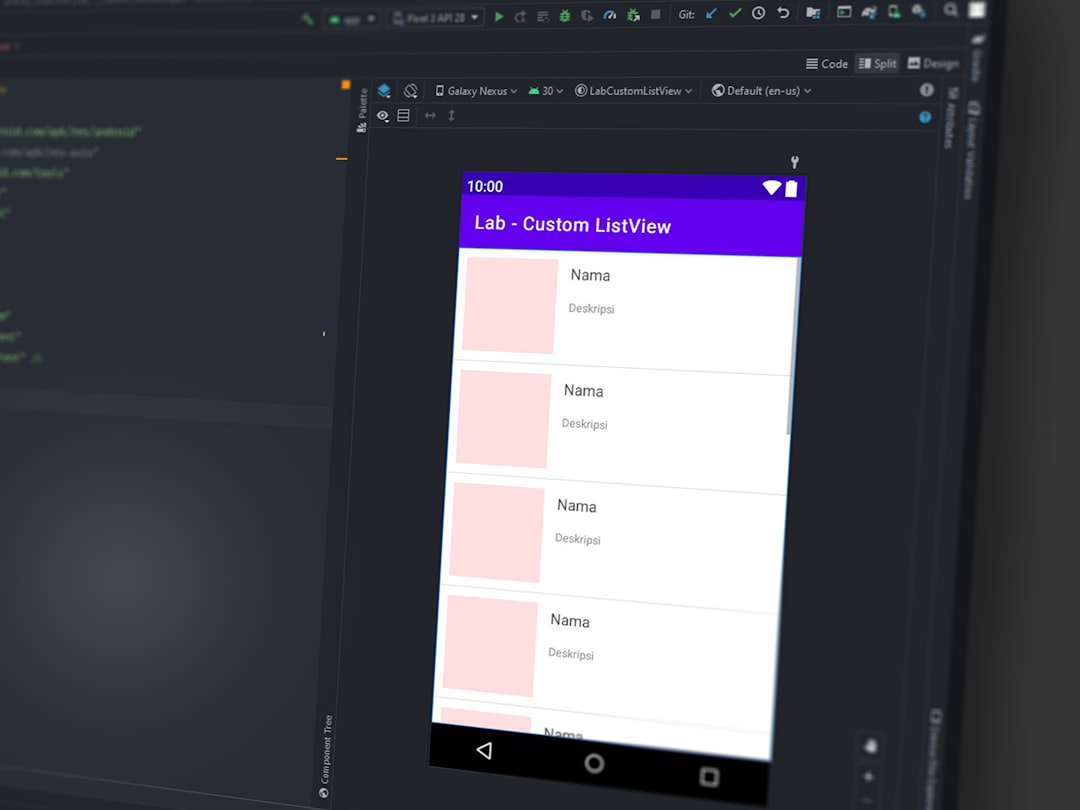
Photo by Muhammad Rosyid Izzulkhaq on Unsplash
Building separate iOS and Android apps doubles your engineering effort. Cross-platform tools let you write once and deploy to both -- but they all make tradeoffs. Some sacrifice native feel for development speed. Others sacrifice simplicity for pixel-perfect control. This guide compares the real options in 2026 and helps you pick the right one.

React Native
React Native renders native UI components using JavaScript and React. Your code runs in a JavaScript engine, but the buttons, text inputs, and scroll views are the actual native platform widgets.
Setup with the React Native CLI
# Create a new project
npx @react-native-community/cli init MyApp
cd MyApp

# Run on iOS (macOS only)
npx react-native run-ios

# Run on Android
npx react-native run-android
Example Component
import React, { useState, useEffect } from "react";
import { View, Text, FlatList, StyleSheet, ActivityIndicator } from "react-native";

interface User {
  id: string;
  name: string;
  email: string;
}

export function UserList() {
  const [users, setUsers] = useState<User[]>([]);
  const [loading, setLoading] = useState(true);

  useEffect(() => {
    fetch("https://api.example.com/users")
      .then((res) => res.json())
      .then((data) => {
        setUsers(data);
        setLoading(false);
      });
  }, []);

  if (loading) return <ActivityIndicator size="large" />;

  return (
    <FlatList
      data={users}
      keyExtractor={(item) => item.id}
      renderItem={({ item }) => (
        <View style={styles.row}>
          <Text style={styles.name}>{item.name}</Text>
          <Text style={styles.email}>{item.email}</Text>
        </View>
      )}
    />
  );
}

const styles = StyleSheet.create({
  row: { padding: 16, borderBottomWidth: 1, borderBottomColor: "#eee" },
  name: { fontSize: 16, fontWeight: "bold" },
  email: { fontSize: 14, color: "#666" },
});
New Architecture
React Native's New Architecture (Fabric renderer + TurboModules) is now the default. Key improvements:
- Synchronous native calls: No more async bridge bottleneck. JavaScript can call native methods synchronously.
- Concurrent rendering: React 18 concurrent features work in React Native.
- Codegen: TypeScript interfaces generate native code automatically, catching type errors at build time instead of runtime.
Strengths: Huge ecosystem (npm packages), hot reloading, React knowledge transfers directly, strong community, most third-party SDKs have React Native support.
Weaknesses: Native module complexity (bridging to platform APIs requires Objective-C/Swift or Java/Kotlin), debugging across JS and native layers is harder than pure native, some platform-specific UI behavior requires platform-specific code.
Expo
Expo is a platform built on top of React Native that eliminates most of the native toolchain complexity. You don't need Xcode or Android Studio for most development work.
Setup
# Create a new Expo project
npx create-expo-app MyApp
cd MyApp

# Start development
npx expo start

# Scan the QR code with Expo Go app on your phone
# Or press 'i' for iOS simulator / 'a' for Android emulator
Expo Router (File-Based Routing)
app/
  _layout.tsx        # root layout
  index.tsx          # home screen
  settings.tsx       # settings screen
  users/
    [id].tsx         # dynamic route: /users/123
    _layout.tsx      # nested layout for users section
// app/users/[id].tsx
import { useLocalSearchParams } from "expo-router";
import { View, Text } from "react-native";

export default function UserDetail() {
  const { id } = useLocalSearchParams();
  return (
    <View>
      <Text>User ID: {id}</Text>
    </View>
  );
}
EAS Build and Submit
Expo Application Services (EAS) handles building and submitting to app stores:
# Install EAS CLI
npm install -g eas-cli

# Configure builds
eas build:configure

# Build for iOS
eas build --platform ios

# Build for Android
eas build --platform android

# Submit to App Store / Play Store
eas submit --platform ios
eas submit --platform android
Development Builds (Custom Native Code)
When you need native modules not included in Expo Go:
# Create a development build
npx expo install expo-dev-client
eas build --profile development --platform ios

# Install the development build on your device
# Then use expo start --dev-client
Strengths: Dramatically simpler setup (no Xcode/Android Studio for most work), over-the-air updates, EAS Build handles native compilation in the cloud, file-based routing with Expo Router, growing library of pre-built native modules.
Weaknesses: Some native modules aren't available in Expo Go (need a development build), EAS Build has usage limits on the free tier, slightly less control than bare React Native.
Recommendation: Use Expo for new React Native projects unless you have a specific reason not to. The development experience is significantly better, and you can always eject to bare React Native if needed.
Flutter
Flutter uses Dart and its own rendering engine -- it doesn't use native UI components. Instead, it draws every pixel using Skia (now Impeller), giving you complete control over appearance but a different feel from native apps.
Setup
# Install Flutter (see flutter.dev for platform-specific instructions)
flutter doctor  # check your environment

# Create a new project
flutter create my_app
cd my_app

# Run
flutter run
Example Widget
import 'package:flutter/material.dart';

class UserList extends StatefulWidget {
  @override
  _UserListState createState() => _UserListState();
}

class _UserListState extends State<UserList> {
  List<Map<String, dynamic>> users = [];
  bool loading = true;

  @override
  void initState() {
    super.initState();
    loadUsers();
  }

  Future<void> loadUsers() async {
    final response = await http.get(Uri.parse('https://api.example.com/users'));
    setState(() {
      users = jsonDecode(response.body);
      loading = false;
    });
  }

  @override
  Widget build(BuildContext context) {
    if (loading) return Center(child: CircularProgressIndicator());

    return ListView.builder(
      itemCount: users.length,
      itemBuilder: (context, index) {
        return ListTile(
          title: Text(users[index]['name']),
          subtitle: Text(users[index]['email']),
        );
      },
    );
  }
}
Hot Reload
Flutter's hot reload is its killer feature. Changes appear in under a second without losing app state. It's faster than React Native's equivalent and makes UI iteration extremely fast.
Strengths: Fastest hot reload, consistent UI across platforms (pixel-perfect control), excellent performance (compiled to native ARM code), strong widget library, good for custom/branded UI that shouldn't look "native".
Weaknesses: Dart is a niche language (smaller talent pool), Flutter apps don't look native by default (Material or Cupertino widgets), the ecosystem is smaller than React Native's, third-party SDK support can lag (some vendors don't provide Flutter packages).
Want more languages guides? Get guides like this in your inbox — DevTools Guide delivers one free deep-dive every week.
Capacitor (Web-Based)
Capacitor (by the Ionic team) wraps a web app in a native container. Your app runs in a WebView, and Capacitor provides JavaScript APIs to access native features (camera, filesystem, push notifications).
# Add Capacitor to an existing web project
npm install @capacitor/core @capacitor/cli
npx cap init

# Add platforms
npx cap add ios
npx cap add android

# Sync web assets to native projects
npx cap sync

# Open in native IDE
npx cap open ios      # opens Xcode
npx cap open android  # opens Android Studio
// Access native APIs from your web code
import { Camera, CameraResultType } from "@capacitor/camera";

const photo = await Camera.getPhoto({
  resultType: CameraResultType.Uri,
  source: CameraSource.Camera,
  quality: 90,
});
Strengths: Use any web framework (React, Vue, Svelte, Angular), reuse your existing web codebase, web developers become mobile developers immediately, plugins for native APIs.
Weaknesses: Performance is limited by the WebView (not suitable for graphics-intensive apps), the app doesn't feel native (it's a web app in a container), some native features have limited support.
Best for: Teams that have an existing web app and want a mobile presence without learning a new framework. Content-heavy apps, internal tools, and MVPs where speed-to-market matters more than native feel.
Comparison
| Feature | React Native | Expo | Flutter | Capacitor |
|---|---|---|---|---|
| Language | JavaScript/TS | JavaScript/TS | Dart | Any web tech |
| Rendering | Native components | Native components | Custom engine | WebView |
| Native Feel | Good | Good | Customizable | Web-like |
| Hot Reload | Good | Good | Excellent | Good |
| Native APIs | Via modules | Via Expo modules | Via plugins | Via plugins |
| Build Setup | Complex | Simple (EAS) | Moderate | Simple |
| Web Support | react-native-web | Expo for Web | Flutter Web | Native web |
| Team Skills | React/JS | React/JS | Dart | Web dev |
Development Tools
Regardless of framework, you'll need these tools:
Simulators/Emulators: iOS Simulator (Xcode, macOS only) and Android Emulator (Android Studio). There's no avoiding these for testing.
Flipper: A debugging platform for React Native and native mobile apps. Inspect network requests, view component hierarchies, access device logs, and use custom plugins. (Note: Expo is moving toward its own DevTools.)
Reactotron: A desktop app for inspecting React Native apps -- state changes, API responses, benchmark timings, and error tracking.
Maestro: UI testing framework for mobile apps. Write tests in YAML that run on real devices and emulators:
# maestro/login-test.yaml
appId: com.myapp
---
- launchApp
- tapOn: "Email"
- inputText: "[email protected]"
- tapOn: "Password"
- inputText: "password123"
- tapOn: "Log In"
- assertVisible: "Welcome"
maestro test maestro/login-test.yaml
Recommendations
- React/TypeScript team: Use Expo. It's the best development experience for React developers, and you can reach iOS, Android, and web from one codebase. The ecosystem is massive.
- Custom UI / design-heavy app: Use Flutter. When you need pixel-perfect control over every visual detail and your app shouldn't look like a standard iOS/Android app, Flutter's rendering engine gives you complete freedom.
- Existing web app: Use Capacitor. Wrap your web app and add native capabilities progressively. Don't rebuild in React Native or Flutter if your web app already works.
- Performance-critical apps: If you're building a game, video editor, or graphics-intensive app, consider native development (Swift/Kotlin) or a game engine (Unity, Godot). Cross-platform tools add overhead that matters for these use cases.
- General principle: Pick the tool that matches your team's skills. A React team will be more productive with Expo than with Flutter, even if Flutter is technically superior in some dimensions. Shipping matters more than framework purity.