AI CLI Coding Agents Compared: Claude Code, Aider, and Codex CLI
AI CLI Coding Agents Compared: Claude Code, Aider, and Codex CLI
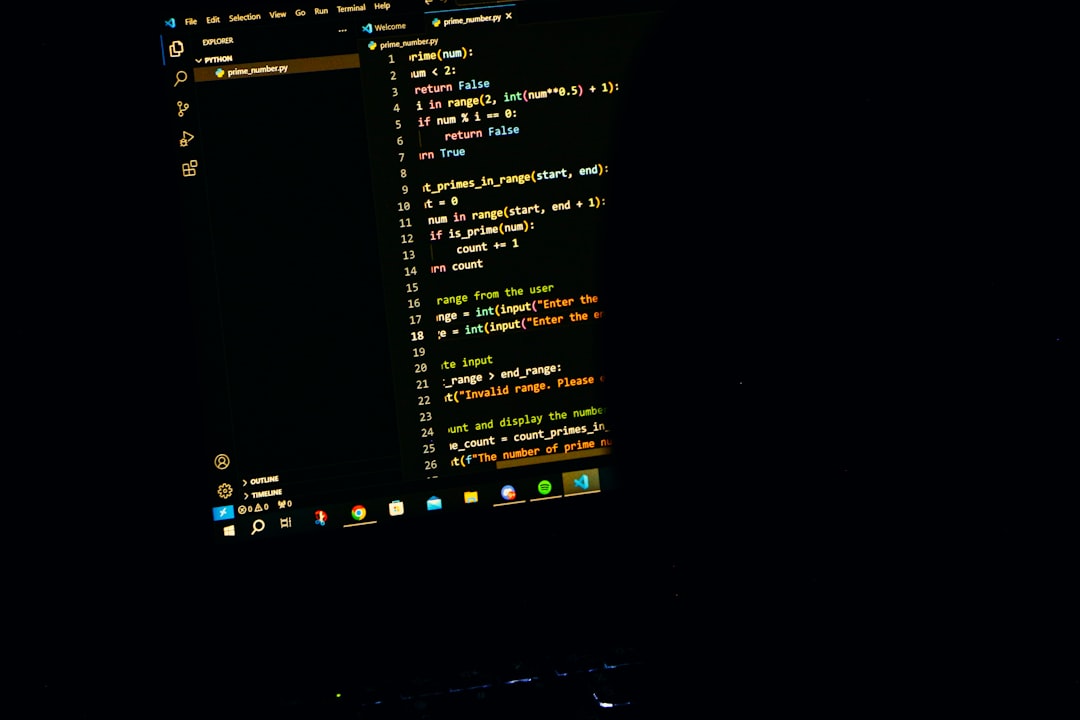
Photo by Rakib Bin Aziz on Unsplash
IDE-based AI assistants get all the press, but the real power move in AI-assisted development is happening in the terminal. CLI coding agents don't just autocomplete lines -- they read your codebase, plan multi-file changes, run tests, and commit the results. They work where developers already live: the command line.
This guide compares the three leading CLI coding agents -- Claude Code, Aider, and Codex CLI -- with real usage examples, honest trade-offs, and opinionated advice on which to pick.

Why CLI Agents Over IDE Plugins?
IDE plugins like Copilot and Cursor are good at inline completions and chat. But CLI agents operate differently. They are autonomous. You describe a task, and the agent figures out which files to read, what changes to make, runs commands to validate the work, and presents you with a diff. The key differences:
- No editor lock-in. CLI agents work with any editor, any workflow, any language. Vim user? Fine. Emacs? Fine. You edit in one terminal, the agent works in another.
- Scriptable and composable. You can pipe tasks to CLI agents, run them in CI, or chain them with other tools. Try doing that with a VS Code extension.
- Full codebase awareness. These agents don't just see your current file. They index your entire project and reason across file boundaries.
- Shell access. They can run your tests, check build output, inspect logs, and use the results to fix their own mistakes.
The trade-off is that CLI agents require more trust. You're handing over the keyboard, not just accepting a suggestion. That's why understanding each tool's safety model matters.
Claude Code
Claude Code is Anthropic's official CLI agent. It connects directly to Claude's API and operates as an agentic loop -- it reads files, proposes edits, runs commands, and iterates until the task is done.
npm install -g @anthropic-ai/claude-code
claude  # launches in your project directory
claude "add input validation to the signup form"  # or pass a task directly
claude --continue  # resume previous conversation
What Makes It Stand Out
Deep codebase understanding. Claude Code doesn't just grep for keywords. It builds a mental model of your project's architecture -- how modules connect, what patterns you use, where tests live. Ask it to "add error handling to the API routes" and it finds all of them, matches your existing error handling style, and updates tests.
Tool use and iteration. Claude Code can run shell commands, inspect output, and adjust its approach. If a test fails after its edit, it reads the failure, fixes the code, and re-runs. This feedback loop is the difference between an autocomplete tool and an agent.
CLAUDE.md project context. Drop a CLAUDE.md file in your repo with project conventions, architecture notes, or instructions, and Claude Code reads it automatically. This is remarkably effective for steering behavior across sessions.
# Example: Claude Code fixing a bug with iteration
claude "the /api/users endpoint returns 500 when the database is unreachable. add proper error handling and a health check"
# Claude Code will: read the route, add try/catch, add a /health endpoint,
# run the test suite, fix any failures, and present the diff
Best for: Complex multi-file tasks, refactoring, projects where you want an agent that iterates until things work.
Aider
Aider is an open-source CLI coding agent that works with multiple LLM backends -- OpenAI, Anthropic, local models, and more. It's been around since early 2024 and has a loyal following among developers who want flexibility.
pip install aider-chat
export ANTHROPIC_API_KEY=sk-ant-...  # or OPENAI_API_KEY, etc.
aider src/auth.ts src/middleware.ts   # start with specific files
Aider uses a chat interface in the terminal. You add files to the conversation with /add, describe changes, and Aider generates diffs, applies them, and optionally auto-commits to git.
What Makes It Stand Out
Model flexibility. Aider isn't locked to one provider. You can use Claude, GPT-4o, DeepSeek, Gemini, or local models via Ollama. Switch models mid-session if one isn't working well for your task.
Git-native workflow. Aider auto-commits each change with descriptive messages. Every edit is a git commit, so you can git diff, git revert, or cherry-pick individual changes. This is excellent for review and rollback.
# Aider's git integration in action
aider --auto-commits
> Refactor the database connection pool to use async initialization
# Aider applies the change and runs: git commit -m "refactor: async database connection pool initialization"
Repo map. Aider builds a map of your repository's structure and uses it to decide which files are relevant to your request. You don't always need to manually /add files -- it can figure out dependencies.
Best for: Developers who want model choice, open-source enthusiasts, workflows where granular git history matters.
Want more ai guides? Get guides like this in your inbox — DevTools Guide delivers one free deep-dive every week.
Codex CLI
Codex CLI is OpenAI's open-source terminal agent. Released in 2025, it runs locally and connects to OpenAI's API (primarily the o3 and o4-mini reasoning models).
npm install -g @openai/codex
export OPENAI_API_KEY=sk-...
codex "write unit tests for the payment processing module"
codex --approval-mode full-auto "update all deprecated API calls to v2"
Codex CLI uses a sandboxed execution model with configurable autonomy levels from "suggest only" to "full auto."
What Makes It Stand Out
Sandboxed execution. Codex CLI runs commands in a network-disabled sandbox by default. This is a meaningful safety feature -- the agent can't accidentally curl something malicious or make network calls you didn't expect.
Reasoning models. Because it uses OpenAI's o3/o4-mini models, Codex CLI can handle tasks that require multi-step reasoning. It "thinks" before acting, which helps with complex refactoring and architectural changes.
Multimodal input. You can pass screenshots or images to Codex CLI, and it reasons about UI changes visually. Useful for frontend work where you want to say "make this look like the mockup."
Best for: Security-conscious teams, OpenAI-ecosystem users, tasks requiring deep reasoning.
Head-to-Head Comparison
| Feature | Claude Code | Aider | Codex CLI |
|---|---|---|---|
| Provider | Anthropic | Multi-provider | OpenAI |
| Model lock-in | Claude only | Any LLM | OpenAI only |
| Open source | No | Yes | Yes |
| Auto-commit | Manual/prompted | Built-in | Manual/prompted |
| Sandbox | No (runs in your shell) | No | Yes (network-disabled) |
| Shell commands | Yes, with approval | Limited | Yes, sandboxed |
| Project config | CLAUDE.md | .aider.conf.yml | codex.md |
| Feedback loop | Runs tests, iterates | Runs tests, iterates | Runs tests, iterates |
| IDE integration | VS Code extension | VS Code extension | None |
| Pricing | API usage or subscription | Your LLM API costs | API usage |
| Best strength | Agentic depth | Model flexibility | Sandboxed safety |
Which One Should You Pick?
Pick Claude Code if you want the most capable agentic experience. It handles complex, multi-file tasks better than the alternatives, iterates on failures reliably, and the CLAUDE.md system makes it easy to teach project-specific conventions. If you're working on large codebases or tasks that span many files, this is the strongest option.
Pick Aider if you want model flexibility or you're committed to open source. Aider's multi-provider support means you're never locked in, and the auto-commit workflow is genuinely useful for keeping a clean git history. It's also the most mature -- it's been in active development longer and has solved more edge cases.
Pick Codex CLI if security is a priority or you're already deep in the OpenAI ecosystem. The sandboxed execution model is a real differentiator for teams that need to audit what their AI tools are doing. The reasoning models also shine on tasks that need careful, multi-step planning.
Use more than one. These tools aren't mutually exclusive. Many developers use Claude Code for heavy refactoring, Aider for quick targeted fixes with auto-commits, and Codex CLI when they need sandboxed exploration of unfamiliar code.
Tips for Getting the Most Out of CLI Agents
Write a project context file. Whether it's CLAUDE.md, .aider.conf.yml, or codex.md, give the agent information about your project structure, conventions, testing approach, and anything it would take a new developer a week to learn. This single step dramatically improves output quality.
Start with small tasks. Don't hand the agent your entire feature spec on day one. Start with "add validation to this form" or "write tests for this module." Build trust incrementally.
Review diffs, not just output. Always git diff before accepting. CLI agents are good, but they make mistakes. A quick diff review catches issues that look fine in the chat output.
Use git branches. Run your agent on a feature branch. If it goes sideways, you can discard the branch. This is obvious advice, but it becomes essential when the agent has shell access.
Combine with traditional tools. CLI agents pair well with linters, formatters, and type checkers. Run biome check or tsc --noEmit after the agent's changes. Better yet, tell the agent to run these checks itself.
# Claude Code example: let the agent self-validate
claude "refactor the auth module to use JWT instead of sessions. run biome check and bun test after changes and fix any issues"
Be specific in your prompts. "Make the code better" produces vague results. "Add error handling to the /api/payments endpoint -- catch Stripe API errors, log them with structured JSON, and return appropriate HTTP status codes" produces excellent results.
The terminal-based AI agent space is moving fast. These three tools represent different philosophies -- deep integration, open flexibility, and sandboxed safety -- but they all point in the same direction: AI that doesn't just suggest code, but ships it.